WooCommerce
Competitor price monitoring for WooCommerce
priceq connects to your WooCommerce shop over its own REST API, reads your products and variations, checks them against other retailers every day, and proposes prices you approve before they are written back, or let a rule push inside your guardrails. No plugin to install, no theme to touch, and nothing changes in your shop behind your back.
The trial has every feature, on 100 products and 3 competitor shops. Then you connect your shop, in about two minutes. Servers in Germany.

Set-up in three steps
- 1
Enter your shop address. WooCommerce opens its own approval screen and asks you to grant priceq read and write access to the store. Approve it, and WooCommerce hands over the keys itself. If you prefer, create a REST API key under WooCommerce, Settings, Advanced, and paste the consumer key and secret instead.
- 2
Choose which products to watch. priceq lists your published products with a counter against your plan’s limit; you tick what matters. The shop stays the source of truth for names and prices.
- 3
Name the shops you compete with. The first check runs the next morning. From then on you see every product, your price, their prices, and the alerts that follow.

Connect your WooCommerce shop for live own-price data.
Store URLExample shop, example data
What it reads from WooCommerce
Simple products and every variation of a variable product, so a size or a colour with its own price is its own line. Per line priceq reads the SKU, the price, the regular price, the sale price with its start and end dates, and the cost if your shop records one, through the cost-of-goods field or the common cost plugin. It does not read stock levels, customers or orders. Your shop has to be on HTTPS; priceq does not connect to a store served over plain HTTP.

How your products are matched
Through the EAN. WooCommerce keeps it in the GTIN field it added in version 9.2, and priceq reads that first. Shops that stored their barcodes earlier, through an EAN plugin, are covered too: priceq also reads the fields those plugins use. A competitor listing is tied to your product on that number and then verified. Where there is no EAN, the product goes to a review queue, where you confirm or reject the match yourself. Nothing is linked on a title alone.

What it watches
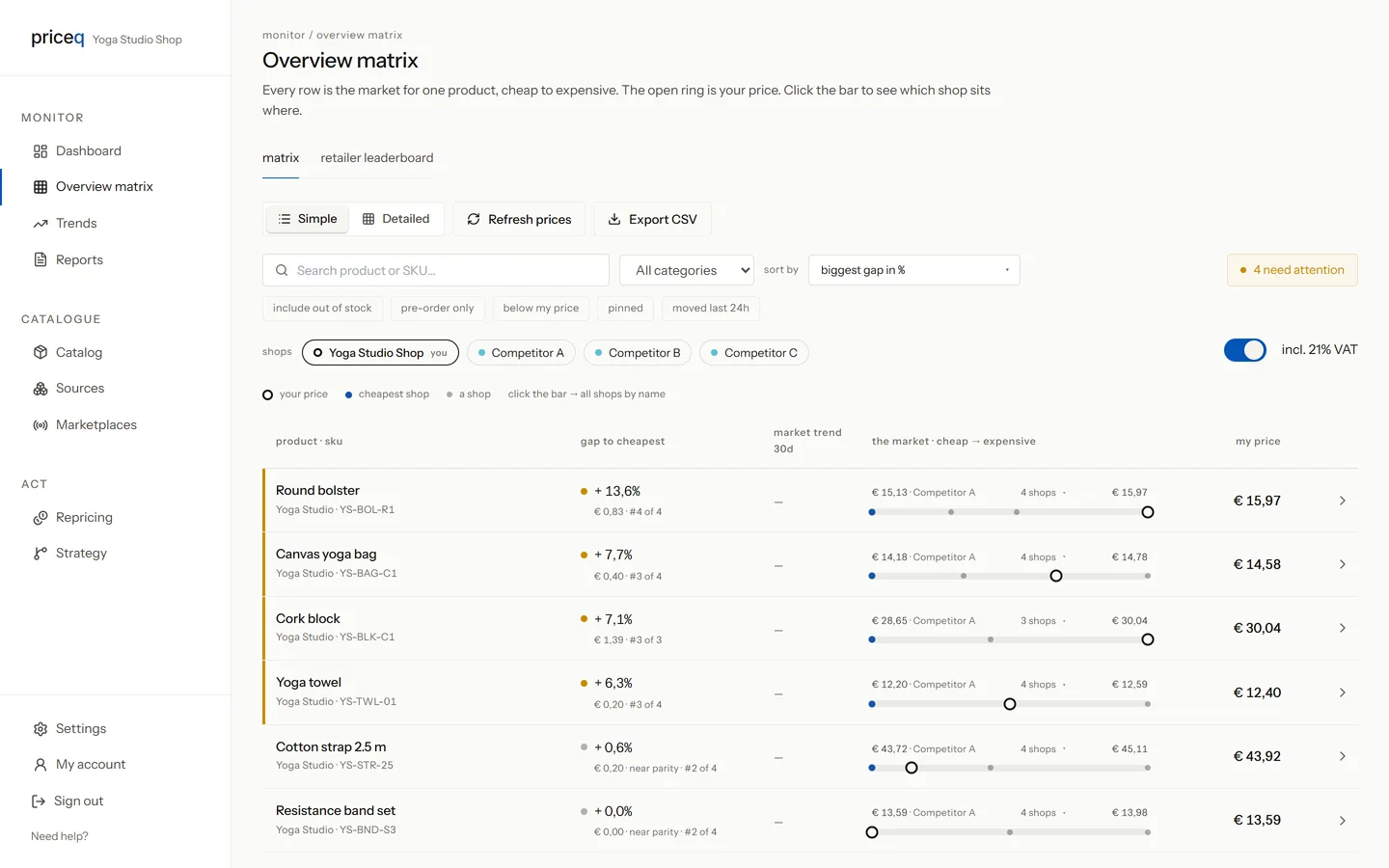
Every product and variation you selected, against the shops you named. Prices are tracked over time rather than sampled, so a competitor who drops on Friday and recovers on Monday still shows up. Every plan checks once a day; Business and Professional check twice. When you change a product in WooCommerce, its webhook tells priceq at once.
Alerts reach you by email and in the app, each with its own threshold: a competitor who is cheaper, a competitor who has been more expensive for a week, a sudden move, a new shop selling your product, a shop that dropped it, a product out of stock at several shops, and your own price undercut or inconsistent. You decide how far a price has to move before it counts.

Put your own catalogue on the board. Fourteen days, no card.
Start 14 days freeWhat it proposes
On the Business plan and up, priceq proposes a price for every product that needs one. A proposal always shows the rule that produced it and the numbers behind it: your minimum price, your cost plus margin, the competitor it followed. Rules scope from the whole shop down to one product. A proposal never goes below the floor you set, and never moves a price more than a set percentage in one day.
What it writes back
The regular price, in batches through the same REST API, and only after it is approved, by a person or by a rule you switched on. A product that is on sale at that moment is held back: priceq never writes over a running promotion, and the proposal waits until the sale is over. After each write priceq reads the product back from WooCommerce rather than trusting the confirmation, and logs it. Stock, product texts, images, sale prices and sale schedules are never written.

What it costs
Start is €99 a month for 200 products and three competitor shops, checked once a day. Business is €299 for 1,000 products, two checks a day and price proposals you can push to the shop. Professional is €699 for 5,000 products, two checks a day and as many competitor shops as you like. Above that, priceq is priced to the catalogue. Prices exclude VAT, and every plan starts with a free trial on your own catalogue.
Where it runs
On Outflanq’s own servers at Hetzner in Nürnberg, Germany. Your catalogue lives in its own row-level-secured space, is never shown to another customer, and is backed up every day, encrypted. Revoke the API key in WooCommerce and the connection ends at that moment.
Questions
Do I need to install a plugin?
No. priceq talks to the REST API that every WooCommerce shop already has. Nothing is added to your WordPress installation.
Does priceq change my prices by itself?
Only if you tell a rule to. Every price change is a proposal until it is approved. Automatic pushing is off by default; from Business you switch it on per rule, and that rule's proposals then go to your shop inside your guardrails.
My EANs are in a plugin field, not in the GTIN field. Does that work?
Yes. priceq reads WooCommerce’s own GTIN field first and then the fields the common EAN plugins use. If you are unsure where yours are, the review queue will show you which products did not match.
What happens to a sale price when priceq writes a new price?
Nothing. A running sale price is never overwritten and never cleared. The proposal waits until the sale is over, and only the regular price is ever written.
Does it work with variable products?
Yes. Each variation is its own line, with its own EAN, price and competitors.
Can I remove it again?
Yes. Revoke priceq’s key under WooCommerce, Settings, Advanced, REST API, and the connection ends. Your data in priceq is deleted on request.